Get Started
Download Instructions:
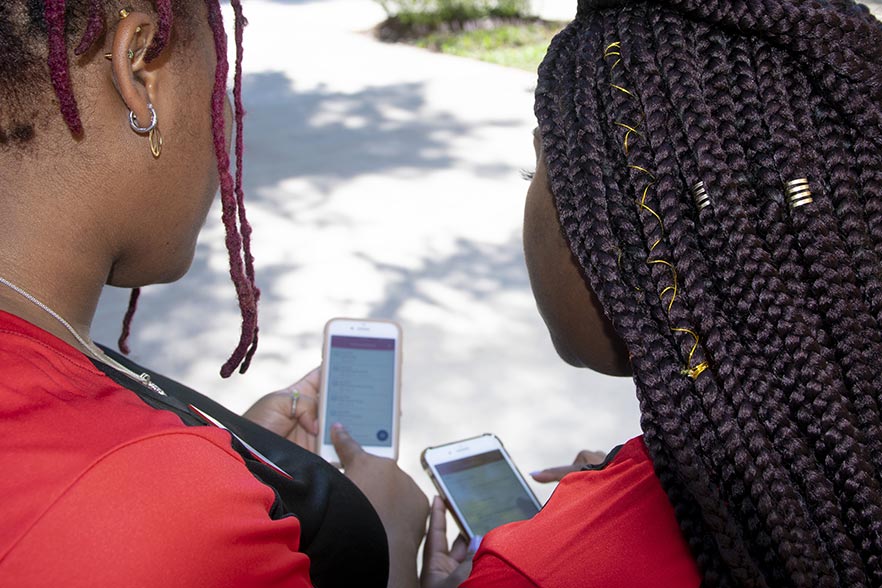
- Go to Google Play or the Apple App Store
- Search “navigate student” to install app
- Once installed, search for “Winston-Salem State University”
- Use your Ram ID and password to log in - the same username and password that you use for all your other WSSU accounts.